Discover how AI can simplify the invoicing process for freelancers and small businesses, improving efficiency and professionalism.
Understanding the Need for Professional Invoices
Invoicing is a critical task for freelancers, consultants, and small business owners. A professional invoice not only helps in getting paid but also reflects your brand's credibility. Unfortunately, many people struggle with creating invoices that are both accurate and aesthetically pleasing. Here’s where an AI Invoice Maker can make a significant difference.
How AI Simplifies Invoice Creation
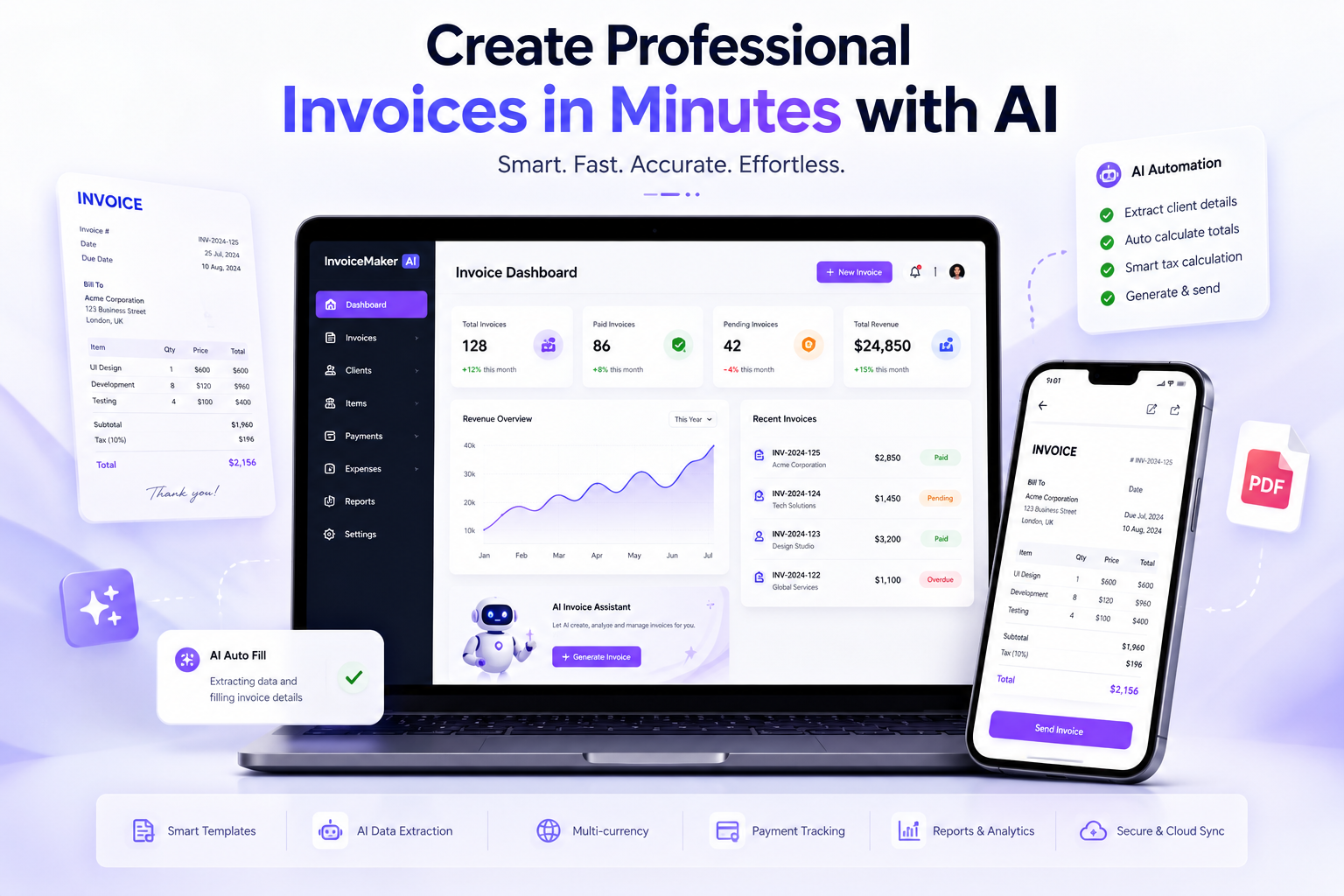
AI-powered invoice generators automate various aspects of invoicing, saving time and reducing errors. Here’s how:
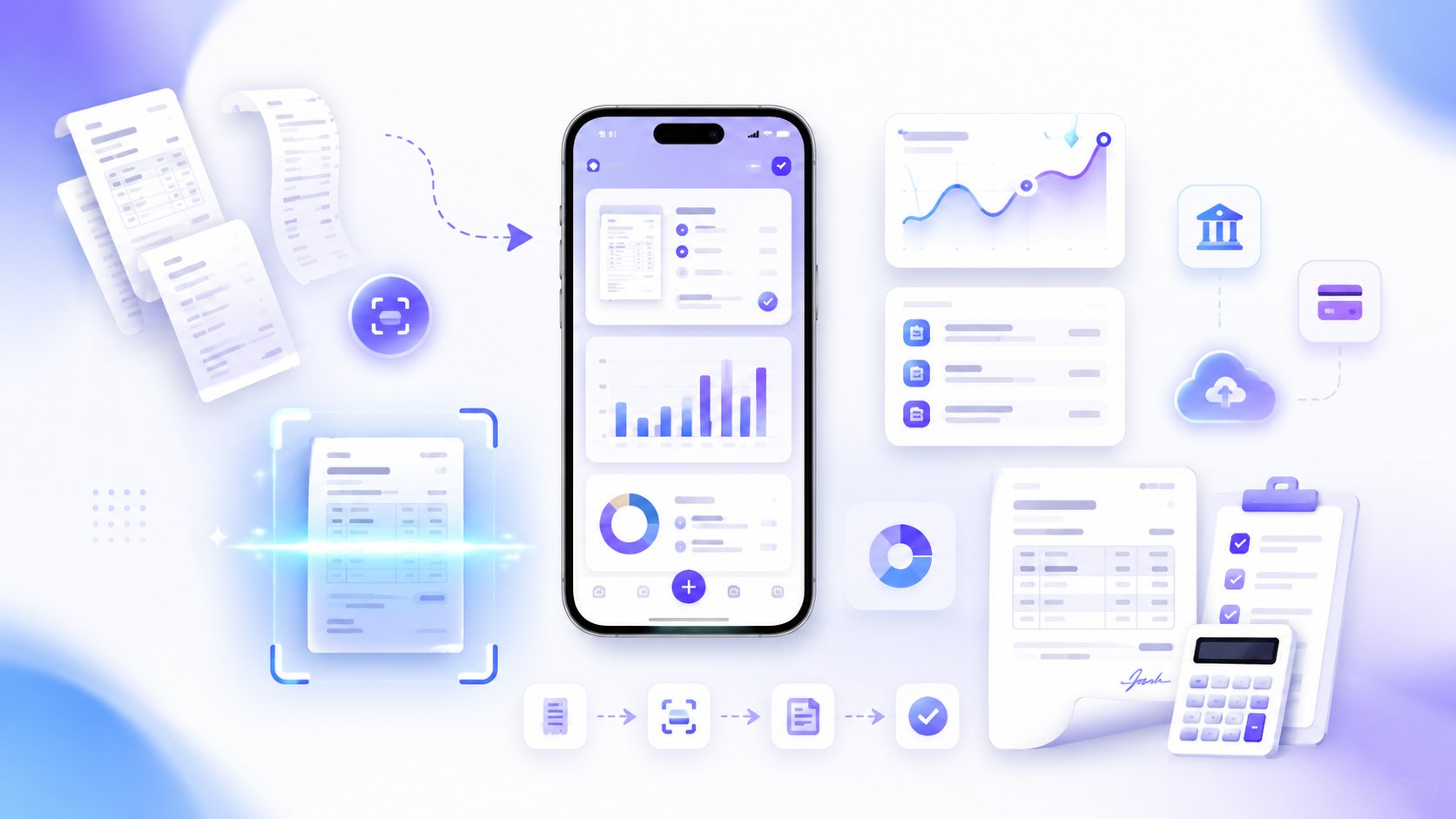
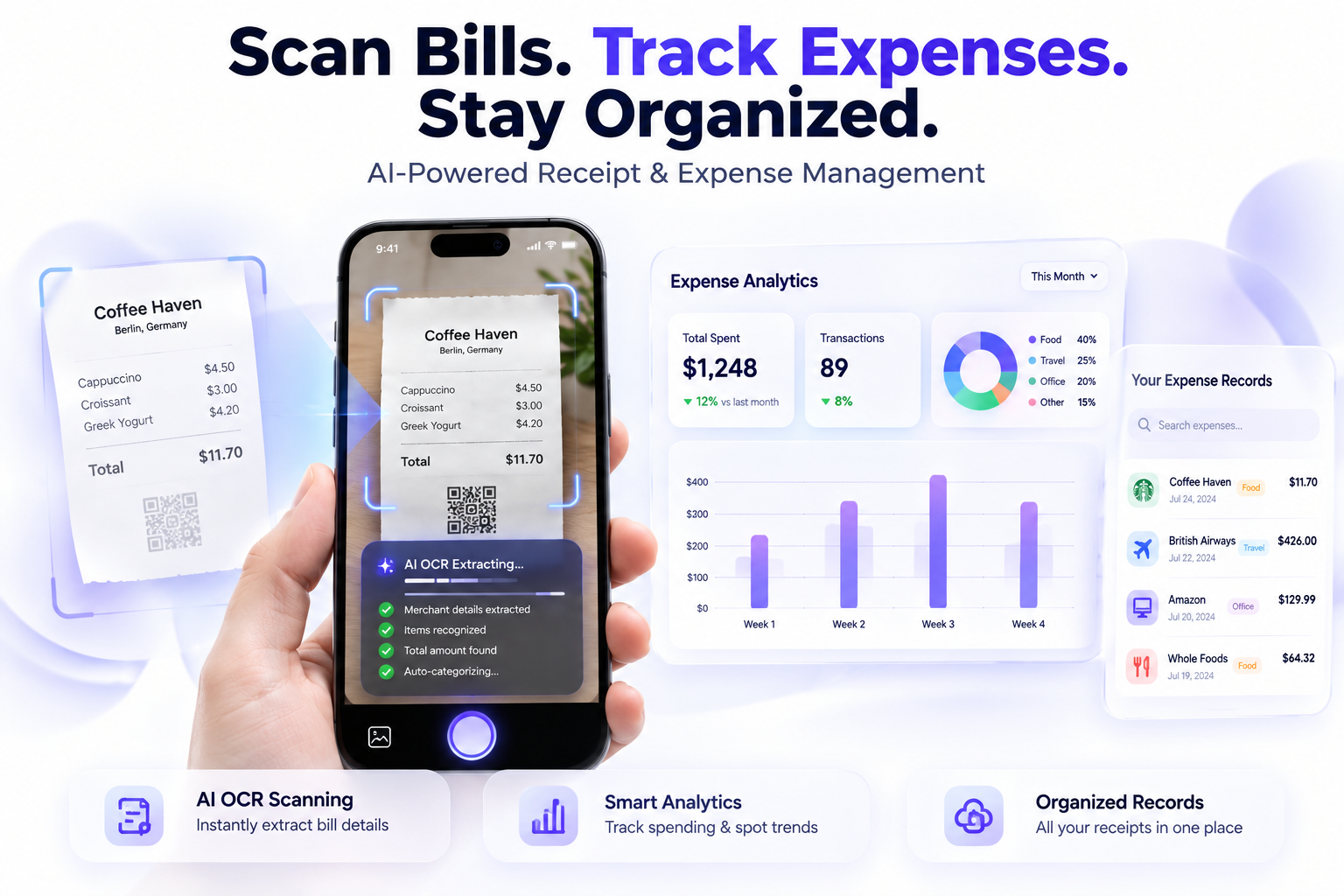
Automated Data Entry: With an Invoice Maker: AI Bill Scanner, Users can scan bills and receipts and even convert scanned images using our JPG to PDF Converter before creating invoices.
Professional Templates: AI tools provide access to a variety of customizable templates that can enhance your brand image.
Expense Tracking: Many AI invoice generators include features to help track income and expenses, allowing for better financial management.
AI Invoice Maker vs Manual Invoice Comparison Table
Manual Invoice | AI Invoice Maker |
|---|
Time-consuming | Creates invoices in minutes |
Manual calculations | Automatic calculations |
Higher error chances | AI-powered accuracy |
Basic templates | Professional templates |
Manual expense tracking | Smart expense tracking |
Benefits of Using an AI Invoice Generator
Utilizing an AI invoice generator has several benefits:
Improved Efficiency: Automating repetitive tasks like data entry saves time, allowing you to focus on your core business activities.
Fewer Errors: AI reduces the likelihood of human error in invoice creation, ensuring that all details are correct.
Faster Payments: Professional invoices lead to quicker payment processing, improving cash flow.
For example, a freelance graphic designer using an AI invoice generator may see their payment turnaround time cut in half, from an average of 14 days to just 7 days.
Best Practices for Creating Invoices
Even with an Invoice Maker App, following best practices is crucial:
Be Clear and Concise: Use straightforward language and ensure all terms are well-defined.
Include All Necessary Information: Ensure that your invoices have your name, contact information, and payment terms.
Keep It Professional: Use a consistent design that aligns with your branding.
As an example, a small business owner might find it beneficial to include a thank you note on the invoice, enhancing client relationships.
Common Mistakes to Avoid
Here are some pitfalls to watch out for:
Ignoring Payment Terms: Clearly state your payment terms to avoid any misunderstandings.
Overcomplicating the Invoice: Keep your invoice layout clean and straightforward.
Failing to Follow Up: If payments are overdue, reaching out can help ensure you get paid on time.
Try an AI Invoice Maker Today
In today's fast-paced business environment, leveraging an AI Invoice Maker can significantly benefit freelancers and small businesses. By automating the invoicing process, improving accuracy, and enhancing professionalism, tools like the Invoice Maker: AI Bill Scanner can help you focus on what you do best while ensuring you get paid promptly.