
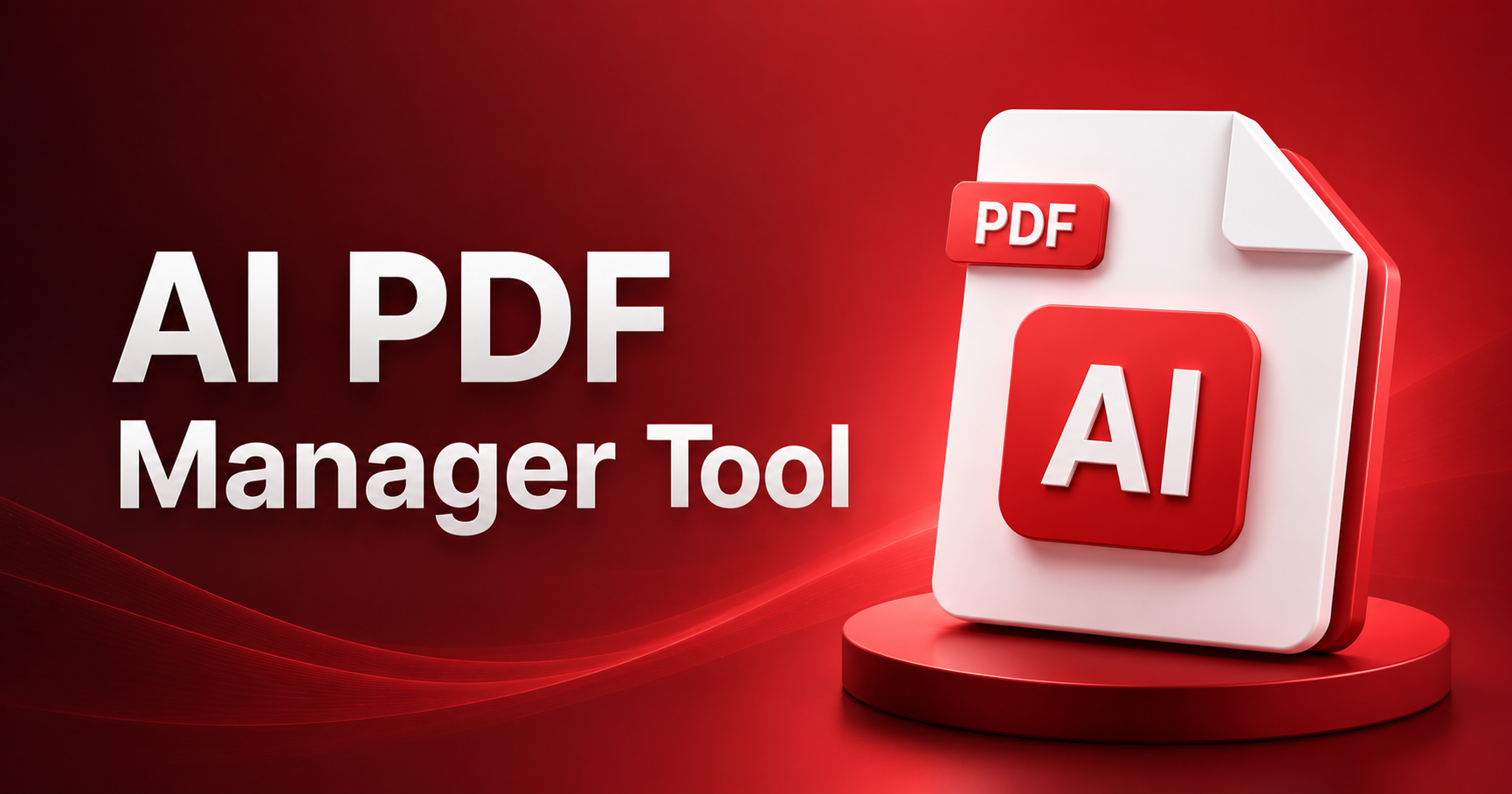
In an era where document workflows are increasingly evolving through the integration of artificial intelligence, the demand for advanced PDF solutions has never been higher. Modern users require more than just basic PDF editing tools; they need intelligent systems that can enhance productivity and streamline document management. Enter PDFPilot4U, an AI-powered PDF platform that combines robust traditional PDF utilities with cutting-edge AI document intelligence tools, catering to the diverse needs of professionals, students, businesses, and content creators.
Overview of PDFPilot4U
PDFPilot4U is best described as an 'Agentic AI PDF Platform' that offers a comprehensive suite of functionalities. This platform can read, analyze, summarize, edit, organize, convert, and automate PDF workflows, featuring over 40 PDF tools and 12 AI-powered capabilities. Its innovative design allows users to interact with their documents in ways that traditional PDF tools simply cannot match, making it a vital resource in the toolkit of anyone who regularly works with PDFs.
Core Features
PDFPilot4U provides an extensive array of PDF management tools that include essential functionalities such as merging, splitting, compressing, rotating, and cropping PDFs. Users can easily add watermarks, page numbers, unlock secured PDFs, and protect their documents with passwords. The platform's conversion capabilities are equally impressive, allowing users to convert PDFs to and from various formats including Word, Excel, images, and HTML. This versatility ensures that users can handle their documents in the format that best suits their needs without losing quality or functionality.
In addition to standard utilities, PDFPilot4U leverages advanced AI capabilities to enhance user experience. Features like the Ask PDF function allow users to engage in interactive conversations with their documents, while the AI Summarizer provides concise summaries of lengthy texts, making information retrieval faster and more efficient. Other AI tools include an AI PDF Translator for seamless multilingual document handling, an AI Humanizer that adjusts text to match a desired tone, and an AI Detector to identify the authenticity of documents.
The platform's Grammar Checker and Paraphrasing Tool further enhance writing quality, while the AI Agent Mode delivers contextual insights, ensuring that users have access to intelligent document intelligence.
OCR & Smart Extraction
The Optical Character Recognition (OCR) functionality in PDFPilot4U is a game-changer for handling scanned PDFs and image-based documents. Users can extract readable and searchable text from scans with remarkable accuracy, significantly improving productivity when dealing with non-editable documents. This smart extraction feature is particularly beneficial for students and researchers who often work with printed materials that require digitization for easy access and manipulation.
PDF Editing Experience
PDF editing in PDFPilot4U is intuitive and powerful, allowing users to replace existing text, add custom text, and edit layouts effortlessly. The backend editing capabilities, powered by PyMuPDF, ensure a seamless experience while maintaining the integrity of the original document. Users can export their updated PDFs with ease, ensuring that their final documents are polished and professional. This enhances the overall editing experience, making it suitable for both casual users and professionals alike.
Automation & Integrations
PDFPilot4U excels in workflow automation and integration with popular platforms. The tool seamlessly integrates with widely used services such as Google Drive, Dropbox, OneDrive, AWS S3, and automation platforms like Zapier. These integrations allow users to create automated workflows that significantly reduce manual tasks. The availability of webhook support, REST APIs, and the ability to create custom automation pipelines further empowers users to streamline their document management processes effectively.
API & Developer Features
For developers looking to integrate document intelligence into their applications, PDFPilot4U offers robust API support. This includes REST API capabilities, SDKs for Python, JavaScript, and Go, as well as specialized APIs for OCR, document chat, and workflow management. These features allow developers to embed advanced PDF functionalities directly into their applications, unlocking new possibilities for innovation in document handling.
Security & Privacy
In today's digital landscape, security and privacy are paramount. PDFPilot4U ensures secure document handling, with a strict policy of not training on user documents, providing peace of mind for professionals handling sensitive information. The platform offers enterprise deployment options, page-level citations, and confidence scoring to enhance document integrity and trustworthiness.
Use Cases
PDFPilot4U is versatile enough to cater to a wide range of use cases. Students can utilize the AI Summarizer for quick study aids, researchers can employ the OCR functionality for digitizing hard copies, and lawyers can manage extensive legal documents with ease. Finance teams benefit from streamlined data extraction and manipulation, while HR departments can automate onboarding documentation. Content creators and businesses can harness the full suite of features to enhance productivity and ensure high-quality outputs.
Benefits of PDFPilot4U
With its comprehensive toolset, PDFPilot4U offers significant benefits such as time savings, reduced manual work, and enhanced AI-powered productivity. The cloud integrations and workflow automation capabilities ensure that users can focus on what matters most—creating and managing documents efficiently within an all-in-one PDF ecosystem.
Conclusion
PDFPilot4U stands out from traditional PDF tools by integrating advanced AI functionalities that transform document management. As AI continues to evolve, platforms like PDFPilot4U are paving the way for smarter, more efficient workflows. Whether you are a student, a business professional, or a content creator, embracing such technology will not only enhance your productivity but also redefine how you interact with documents in the digital age.