

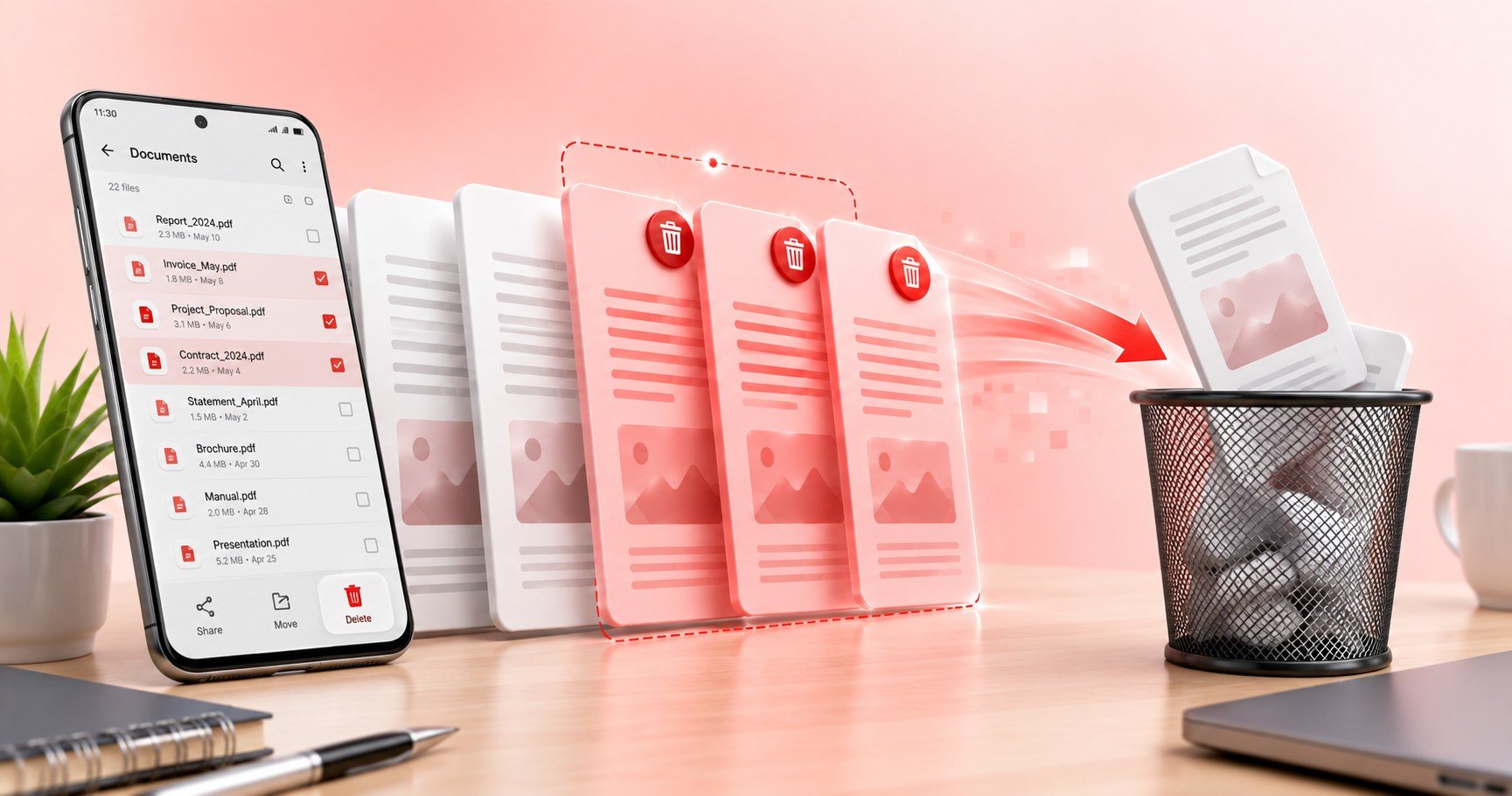
Managing PDF documents can often be a cumbersome task, especially when dealing with unwanted pages such as blank, duplicate, or incorrect ones. PDFPilot4U provides a user-friendly online solution for this issue, allowing you to efficiently remove pages from your PDF files without the hassle of downloading any software. This capability is particularly beneficial for office reports, assignments, client files, scanned documents, forms, and business proposals, where clarity and precision are essential.
The Importance of Cleaning Up PDF Files
In professional environments, maintaining the integrity of PDF documents is crucial. Unwanted pages can detract from the overall presentation and may lead to misunderstandings or inefficiencies. With PDFPilot4U's Remove Pages tool, users can quickly identify and eliminate these pages, ensuring that the final document is streamlined and focused. The interface is intuitive, allowing users to upload their PDF files directly to the platform, select the pages they wish to remove, and download the cleaned-up version in just a few clicks.
How to Use PDFPilot4U Remove Pages Tool
The process of removing pages using PDFPilot4U is straightforward and efficient. Once you access the Remove Pages tool, you can upload your PDF document easily. The platform allows you to preview the document, making it simple to spot blank pages, duplicates, or any pages that should not be included. After selecting the pages to be removed, you can initiate the process with a single click, and within moments, your revised PDF will be ready for download. This feature not only saves time but also enhances productivity, especially for users managing multiple reports or proposals.
Additional Features of PDFPilot4U
PDFPilot4U offers a suite of tools that complement the Remove Pages functionality, providing a comprehensive solution for all your PDF needs. Users can take advantage of tools like Ask PDF, which helps answer questions directly from your documents, and Image to PDF, which converts images into PDF format seamlessly. Other useful features include Edit PDF for making modifications to existing content, Sign PDF for adding signatures electronically, and OCR for converting scanned documents into editable text. Additionally, tools like Word Counter, Compress PDF, PDF to Excel, PDF to Images, and PPT to PDF further enhance document management capabilities, making PDFPilot4U an invaluable resource for professionals.
Practical Applications in Various Fields
The ability to remove pages from PDF files is applicable across various fields and industries. For educators, it can aid in submitting clean assignments devoid of unnecessary pages. In corporate environments, client presentations and reports can be polished to perfection, ensuring that each document reflects professionalism. Scanned documents often come with blank pages that can be removed quickly, making the content more accessible. Moreover, business proposals benefit greatly when they are concise and focused. By utilizing PDFPilot4U, professionals can ensure that their documents meet industry standards and expectations.
Related Blogs
For those looking to expand their knowledge of PDF tools, consider exploring our blog posts on related topics. Our Ask PDF blog discusses how to interact with PDF documents effectively, while the Edit PDF article dives into modifying existing PDFs to suit your needs. The AI Summarizer post explores how AI can help condense documents, and our Grammar Checker blog will help ensure your text is error-free. These resources offer valuable insights into maximizing your efficiency with PDF management.