
How to Write Better Emails Faster and Manage Multiple Email Accounts in One Place
Email remains one of the most important tools for professional and personal communication.
We use it to send project updates, apply for jobs, contact clients, request leave, follow up after meetings, share documents, respond to customers, manage subscriptions, and handle everyday conversations.
But email also creates two common problems.
The first is writing the message itself.
You know what you want to say, but turning that thought into a clear, professional email can take longer than expected.
The second is managing multiple inboxes.
One account may be for work. Another for personal use. You might have an Outlook account for business, a Gmail account for everyday communication, an older Yahoo account, and perhaps another account linked to a different service.
Switching between apps, remembering logins, checking separate inboxes, and repeatedly writing similar emails can turn a simple task into unnecessary work.
This is where tools such as an AI email writer combined with multi-account email management can make email more convenient.
Instead of treating email writing and inbox management as separate tasks, a modern email app can bring them into one workflow.
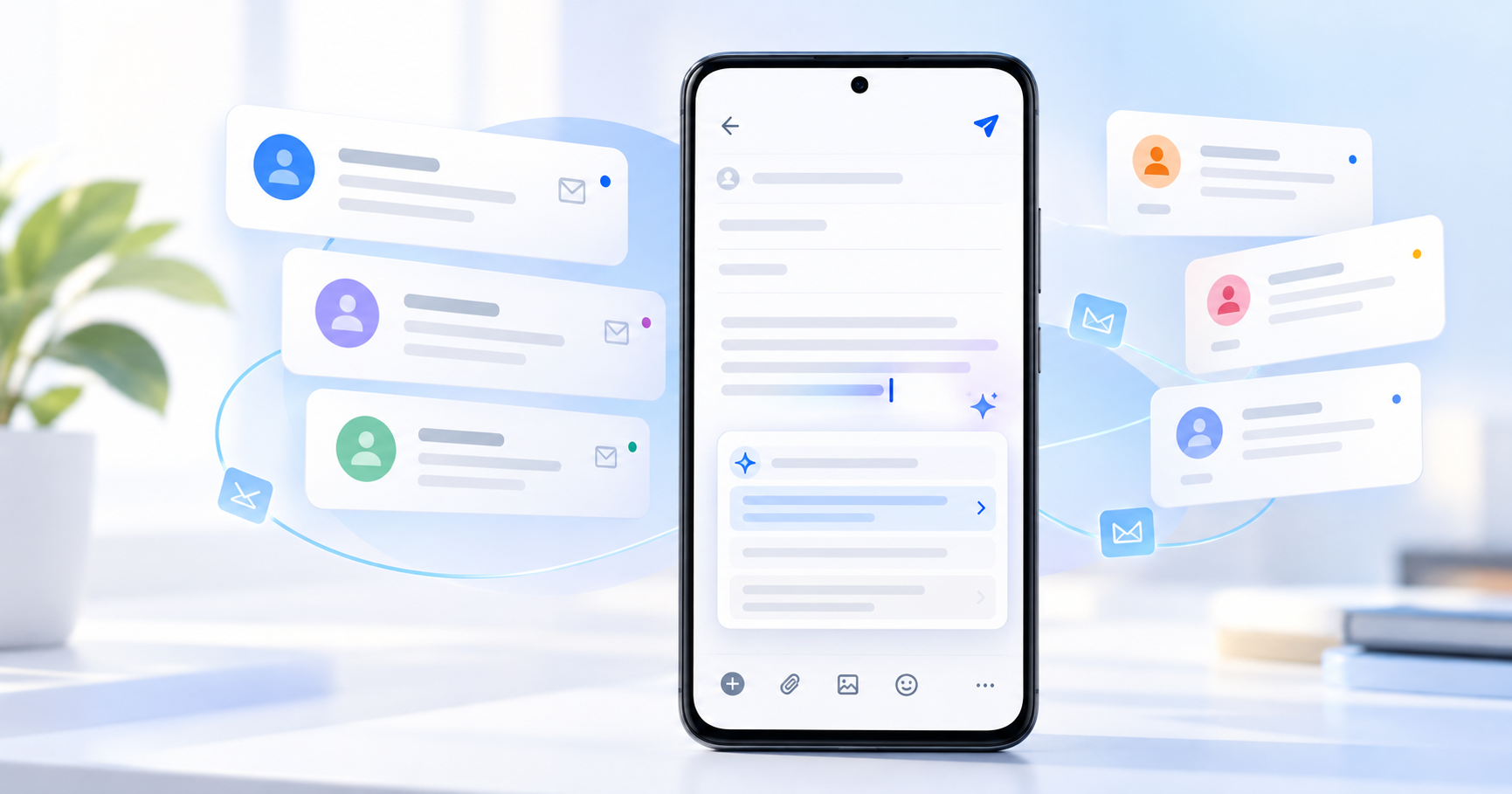
The AI Email Writer app by Quantum4u is designed around this idea. According to its current Google Play listing, it combines AI-assisted email drafting, support for multiple email providers, email templates, notifications, and account management in a single Android app. The listing says it supports more than 13 email services and allows users to connect multiple accounts. Google Play
Let’s look at why this approach matters, when AI-assisted email writing is useful, and how it can help reduce the friction involved in everyday communication.
Why Writing a Simple Email Can Take So Long
Writing an email often appears to be a small task.
In reality, several decisions happen before you click Send.
You need to decide:
How should I start?
Should the email sound formal or friendly?
Am I being too direct?
Is the message too long?
Did I explain the purpose clearly?
What should the subject line say?
How should I end the email?
Does this sound professional?
For an important email, these questions can take more time than writing the actual message.
Consider something as simple as requesting leave.
You already know what you want:
I need leave tomorrow because of a personal commitment.
But turning that thought into a professional email may require a proper greeting, clear request, appropriate tone, necessary dates, and a suitable closing.
The same problem appears when writing:
follow-up emails,
client messages,
meeting requests,
job-related emails,
business introductions,
apologies,
reminders,
thank-you emails,
customer responses.
An AI email generator can help with the first draft so that the user spends more time reviewing the message and less time staring at a blank compose screen.
What Is an AI Email Writer?
An AI email writer is a tool that helps convert a short instruction or idea into a more complete email draft.
For example, instead of writing an entire email manually, a user might provide an instruction such as:
“Write a professional leave request for tomorrow.”
The tool can then create a structured draft containing a greeting, explanation, request, and closing.
The important word here is draft.
AI-assisted writing works best when it helps you get started.
The final email should still be reviewed before sending, particularly if it contains important business information, dates, personal details, commitments, pricing, legal information, or sensitive communication.
Think of AI as a writing assistant rather than an automatic replacement for human judgment.
Manual Email Writing vs AI-Assisted Email Writing
Task | Manual Writing | AI-Assisted Writing |
|---|---|---|
Starting an email | Think of opening from scratch | Start from a short instruction |
Structuring the message | Organize all points manually | Receive an initial structured draft |
Repetitive emails | Rewrite similar messages | Create a fresh draft quickly |
Professional tone | Requires careful wording | AI can suggest professional phrasing |
Editing | Full writing + editing | Mainly review and refinement |
Personalization | Fully manual | Add personal details after generation |
Final responsibility | User | User |
AI assistance does not remove the need to read your email.
Instead, it can reduce the effort required to move from idea → first draft.
The Blank Email Problem
Almost everyone has experienced this situation.
You open the compose window.
You enter the recipient.
Maybe you even type the subject.
Then the cursor keeps blinking inside an empty message box.
You know exactly why you are writing.
You simply do not know how to phrase it.
This is one of the strongest everyday use cases for an AI email writer.
You can begin with your intent instead of perfect wording.
For example:
Your thought:
“Ask client if they reviewed proposal.”
A possible professional structure could become:
Subject: Follow-Up on Proposal
Hello [Name],
I wanted to follow up regarding the proposal shared earlier. Please let me know if you have had an opportunity to review it or if you need any additional information from our side.
I look forward to hearing from you.
Best regards,
[Name]
The difficult part—getting started—is already handled.
You can then adjust the email to fit your actual relationship with the recipient.
Managing Multiple Email Accounts Is Another Productivity Problem
Email writing is only one part of the experience.
Many people today maintain more than one email account.
A typical user might have:
a personal Gmail account,
a company Outlook account,
an older Yahoo Mail inbox,
an account for online registrations,
a separate business address.
This creates fragmentation.
One message arrives in one app.
Another arrives somewhere else.
Notifications come from several applications.
Users repeatedly switch between accounts simply to check whether anything important has arrived.
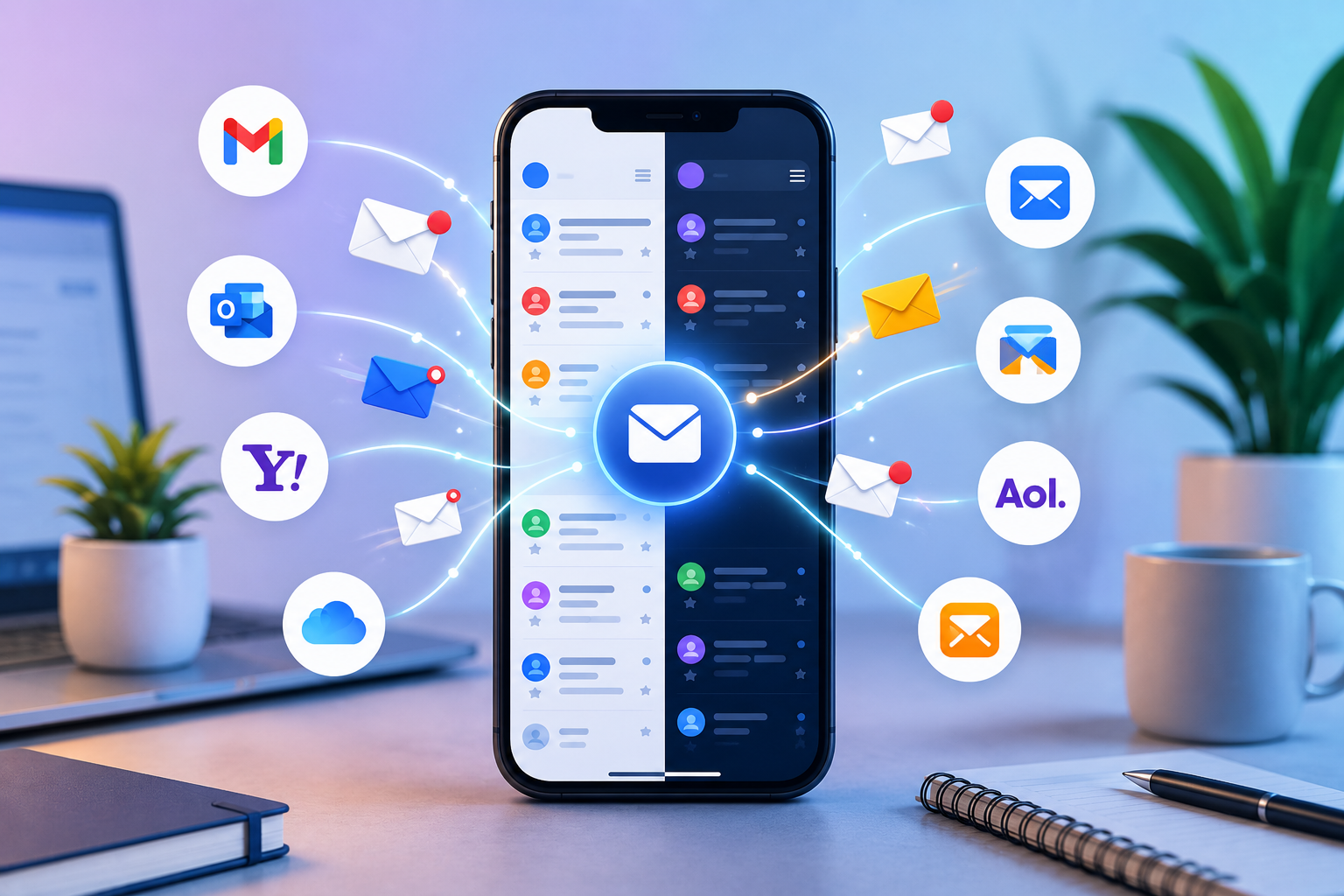
The current AI Email Writer listing describes support for major services including Gmail, Yahoo Mail, Outlook, iCloud, Microsoft, Exchange, AOL Mail, Zoho Mail and others. It also describes support for custom email services and multiple account connectivity.
This means the app is positioned not only as a writing tool but also as an email management app.
Separate Email Apps vs One Email Management App
Email Setup | Separate Apps | Unified Email App |
|---|---|---|
Work account | Open one application | Access within one environment |
Personal account | Switch apps | Switch accounts inside the app |
Additional inboxes | More applications/logins | Add supported accounts |
Notifications | Spread across apps | More centralized experience |
AI writing | May require another tool | Available within the same workflow |
Templates | Depends on each service | Can be available alongside writing tools |
Daily workflow | More switching | Fewer transitions |
The benefit is not simply having another email application.
The benefit is reducing the number of steps required to manage everyday communication.
Why Context Switching Matters
Context switching sounds like a technical productivity term, but it happens constantly.
Suppose you receive a work email.
You read it in one application.
You need help writing the response, so you open another writing tool.
You create the draft.
Then you copy it.
Return to the email application.
Paste it.
Edit the formatting.
Review it.
Send it.
None of these steps is particularly difficult.
The problem is that they repeat.
Five extra steps multiplied across dozens of emails can create unnecessary friction.
When email access and writing assistance live closer together, the workflow becomes simpler:
Read → Decide → Draft → Review → Send
That is usually more useful than adding increasingly complicated features users rarely need.
Where an AI Email Writer Can Be Most Useful
AI-assisted email writing is especially helpful when the task is predictable but the wording takes time.
Here are some common examples.
1. Professional Leave Requests
Instead of struggling with formal wording, provide the key details:
leave date,
reason if appropriate,
availability,
expected return.
AI can help structure the first draft.
2. Follow-Up Emails
Following up can feel awkward.
You do not want to sound impatient, but you also need a response.
A simple request such as:
“Write a polite follow-up for a proposal I sent three days ago.”
can provide a useful starting point.
3. Meeting Requests
Meeting emails usually need four things:
reason,
suggested time,
expected duration,
polite call to action.
A writing assistant can quickly organize these elements.
4. Thank-You Emails
Whether you are thanking a recruiter, client, colleague, customer, or mentor, the core idea may be simple but tone matters.
AI can help create a structure that you then personalize.
5. Business Introductions
A first email creates an impression.
A useful business introduction should usually explain:
Who you are → Why you are contacting them → Why it matters → What happens next
AI can help arrange the information clearly without making the message unnecessarily long.
6. Customer Communication
Businesses often answer similar questions repeatedly.
Instead of writing each response completely from scratch, an AI-generated draft or suitable email template can save time.
Human review is particularly important here because customer cases may differ.
Email Templates vs AI-Generated Emails
Templates and AI writing solve similar problems in different ways.
Templates work best when the structure rarely changes.
AI works better when the message needs some variation.
Situation | Email Template | AI Email Writer |
|---|---|---|
Standard welcome email | Excellent | Useful |
Repeated acknowledgement | Excellent | Useful |
Unique client request | Limited | More flexible |
Personalized follow-up | Requires editing | Better starting point |
Leave request | Useful | Flexible |
Different tone needed | Manual rewrite | Can help create another draft |
Completely new situation | Less useful | More suitable |
The AI Email Writer Play Store listing also mentions pre-generated email templates for business and personal communication.
Having both options can be practical.
Use a template when the message is predictable.
Use AI when the message needs more context.
A Better Way to Write Professional Emails
Even with AI, good email fundamentals still matter.
A professional email should normally answer four questions:
Why am I receiving this?
State the purpose early.
Do not make the reader search through three paragraphs before understanding why you contacted them.
What do I need to know?
Include the necessary information.
Remove anything that does not help the recipient understand the message.
What should I do next?
If you require a response, approval, document, meeting, or confirmation, say so clearly.
Who is sending this?
Use a suitable closing and signature when necessary.
A Simple Professional Email Structure
A practical structure is:
Subject
Make the purpose identifiable.
Greeting
Use the recipient’s name where appropriate.
Opening sentence
Explain why you are writing.
Main information
Provide only the context needed.
Action
Tell the reader what you need.
Closing
End politely and professionally.
AI can help create this structure, but clarity should always remain the priority.
Long Emails Are Not Always Better Emails
One common mistake in professional communication is assuming that more detail automatically sounds more professional.
Usually it does not.
A useful email should be complete enough to understand but short enough to read easily.
Compare these examples.
Version A
I am writing this email to bring to your attention that I wanted to ask you regarding the presentation that was shared with you previously and whether you have had an opportunity to review the presentation at this point in time.
Version B
I wanted to follow up on the presentation shared earlier. Have you had a chance to review it?
Both communicate the same idea.
The second is easier to process.
An AI-generated draft should therefore be treated as editable material.
If a sentence is unnecessary, remove it.
If the email sounds too formal for the situation, simplify it.
AI Email Writing for Different Types of Users
The usefulness of an AI email assistant depends on the person using it.
User | Common Email Challenge | How AI Assistance Can Help |
|---|---|---|
Students | Formal emails to teachers or institutions | Create a structured first draft |
Job seekers | Recruiter communication and follow-ups | Improve organization and tone |
Employees | Leave, updates, approvals, meetings | Reduce repetitive writing |
Freelancers | Client communication | Draft inquiries and follow-ups |
Small businesses | Customer and vendor communication | Speed up routine responses |
Managers | Frequent professional communication | Create initial drafts quickly |
Personal users | Multiple inboxes and everyday emails | Combine access and writing assistance |
The point is not to make every email sound identical.
The goal is to reduce effort where writing is repetitive or unnecessarily difficult.
Multiple Accounts: What Should You Organize?
Connecting email accounts is only the first step.
Users should also think about how those accounts are used.
A simple approach is:
Personal
Friends, family, personal services and important records.
Work
Internal communication, projects, meetings and professional correspondence.
Registrations
Newsletters, shopping accounts, offers and website sign-ups.
Business
Clients, invoices, vendors, partnerships and other commercial communication.
Even when accounts are available from a single email management app, keeping their purpose clear helps avoid sending a message from the wrong address.
Email Notifications: Helpful or Distracting?
The app listing mentions instant notifications as part of its email-management feature set.
Notifications can be useful when timing matters.
But turning every email into an interruption can have the opposite effect.
Consider keeping instant attention for:
work-critical accounts,
important clients,
financial communication,
urgent personal accounts.
Less important inboxes can often be checked periodically.
Good email management is not about responding to everything immediately.
It is about making important communication easier to notice.
Privacy and Security Should Be Part of the Decision
Any application that handles email deserves careful consideration because inboxes may contain personal or professional information.
The AI Email Writer listing says communications are encrypted and states that its AI-driven processes remain on-device. Its Google Play Data Safety section also provides developer-declared information about data collection and sharing, so users should review those disclosures before deciding whether the app suits their privacy requirements.
This advice applies to any email client.
Before adding accounts, consider reviewing:
permissions,
privacy policy,
Play Store Data Safety information,
connected account settings,
unnecessary account access.
Convenience and security should be evaluated together.
Traditional Email Workflow vs AI-Assisted Workflow
Here is a simple comparison.
Step | Traditional Workflow | AI-Assisted Workflow |
|---|---|---|
Receive email | Open inbox | Open inbox |
Decide response | Think through message | Think through intent |
Start writing | Create everything manually | Give a short instruction |
Draft | Write paragraph by paragraph | Receive an initial draft |
Refine | Edit full message | Review and personalize |
Final check | Proofread | Proofread |
Send | Send | Send |
Notice that the last steps remain the same.
AI does not eliminate review.
It mainly shortens the distance between “I know what I want to say” and “I have a usable draft.”
How to Use AI for Email Without Sounding Robotic
A poorly used AI tool can make emails sound generic.
Fortunately, this is easy to avoid.
Add real context
Instead of:
“Write a business email.”
Try:
“Write a polite follow-up to a client who received our proposal three days ago. Keep it short.”
More useful input generally provides a more relevant starting point.
Add the recipient's name
Small personalization makes a large difference.
Replace generic phrases
If a sentence does not sound like something you would say, change it.
Check facts
AI should never be trusted to invent dates, prices, promises, meeting details, deadlines, or policies.
Provide factual details yourself.
Keep your intent
The final email should still sound like it came from you.
When Should You Write an Email Manually?
AI is useful, but not every message needs it.
Write manually when:
the message is extremely personal,
the email contains sensitive emotional communication,
only one sentence is required,
the subject requires specialist judgment,
exact legal or contractual wording matters,
confidential information should not be entered into a tool without proper authorization.
Use technology where it genuinely reduces effort.
Do not add an AI step to a task that is already simple.
Choosing an Email Productivity App
If you are evaluating an email application, do not look at feature count alone.
Consider whether the app improves the tasks you actually perform every day.
Useful questions include:
Does it support the email services I use?
The app should work with your existing email setup.
Can I access multiple accounts?
This is important for users managing separate professional and personal inboxes.
Does the writing assistant solve a real problem?
An AI feature is useful when it saves time rather than simply looking impressive.
Are templates available?
Templates can make recurring communication much faster.
Is the interface understandable?
Email is already information-heavy.
The software should not make it more complicated.
Are privacy details clearly available?
Always review permissions, privacy information and account access.
Who May Benefit Most From AI Email Writer?
AI Email Writer may be particularly relevant to users who have two problems at the same time:
Too many inboxes + too much repetitive writing.
According to its Google Play description, the app combines AI-assisted drafting with access to multiple email providers, email templates, multiple account connectivity, notifications, and custom email-service support.
That makes it worth considering for:
professionals managing work and personal mail,
freelancers communicating with multiple clients,
users maintaining several email addresses,
people who frequently struggle with formal wording,
users who repeatedly send similar professional emails.
Explore AI Email Writer on Google Play:
Download AI Email Writer on Google Play
Practical Email Productivity Routine
Technology helps most when paired with a simple routine.
Try this workflow:
Step 1: Check important inboxes first
Do not begin with newsletters and promotions.
Step 2: Delete or archive obvious clutter
Reduce visual noise.
Step 3: Handle quick responses
If a message takes only a minute to answer, deal with it.
Step 4: Use templates for repeat communication
Avoid rebuilding the same email repeatedly.
Step 5: Use AI for emails that need structure
Provide context and generate a starting draft.
Step 6: Review before sending
Check names, dates, attachments, promises, tone and recipient.
Step 7: Close the inbox
Email should support your work, not become your entire workday.
The Future of Email Is Probably Less About Typing
Email itself is unlikely to disappear anytime soon.
What is changing is the amount of manual effort surrounding it.
For years, improvements focused mainly on inbox organization:
Spam filtering.
Folders.
Search.
Labels.
Notifications.
Now another layer is emerging.
Software can increasingly help with the communication itself.
Instead of only asking:
“Where is the email?”
email tools can help answer:
“How should I respond?”
That does not mean humans stop writing.
It means routine communication may require less effort.
The more interesting future is not fully automated communication.
It is communication where technology handles repetitive setup while people remain responsible for intent, judgment, facts and relationships.
Final Thoughts
Email has become so familiar that we often ignore how much time small email tasks consume.
One message may take only five minutes.
But multiply that by several emails every day, multiple accounts, repeated follow-ups and constant app switching, and the cost becomes much easier to see.
An AI email writer does not need to completely automate communication to be useful.
Its value can be much simpler.
Help you start faster.
Give an email a clear structure.
Reduce repetitive writing.
Make professional communication easier.
And when email writing is combined with multiple account management, email templates and inbox access, the broader benefit is fewer interruptions between the tools required to get one task finished.
The best email workflow is not necessarily the one with the most automation.
It is the one that helps you communicate clearly while spending less time managing the process around communication.
If blank email screens, repetitive replies, or multiple inboxes regularly slow you down, it may be worth exploring whether a more unified email-management workflow works better for you.
Explore AI Email Writer on Google Play
Write clearly. Manage smarter. Spend less time switching between inboxes.