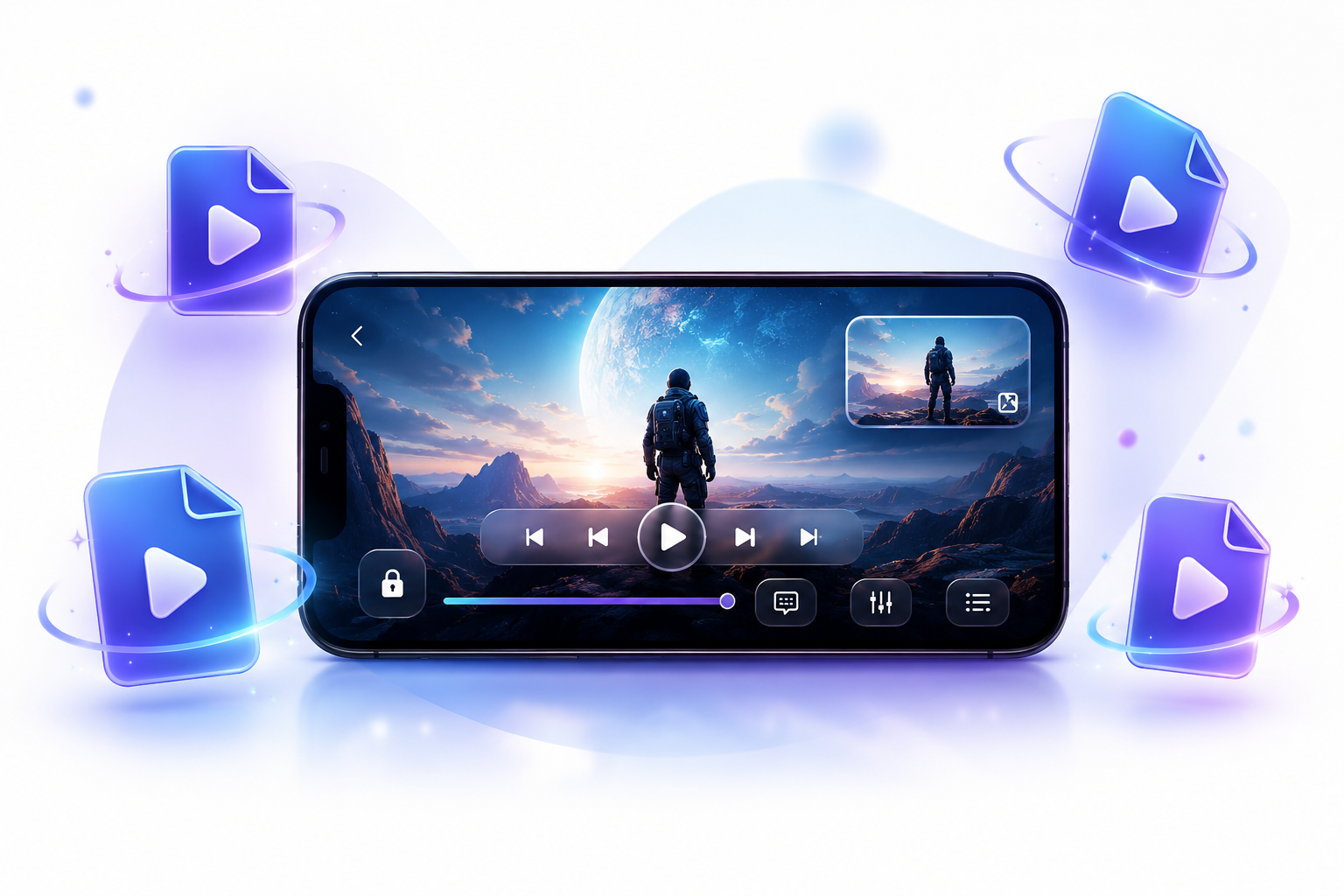
Discover how the Video Player All Format app enhances your media experience with its versatile features, perfect for every user from students to professionals.
The Video Player All Format app is designed to provide a superior media experience compared to the default Android video player. With its ability to support various video formats and advanced features, it caters to the needs of diverse users, including students, professionals, and movie enthusiasts. Whether you want to enjoy HD or 4K content, manage playlists, or edit videos, this app has you covered.
Many Android devices come with a built-in video player, but they often lack support for multiple formats and advanced features. The Video Player All Format app stands out due to:
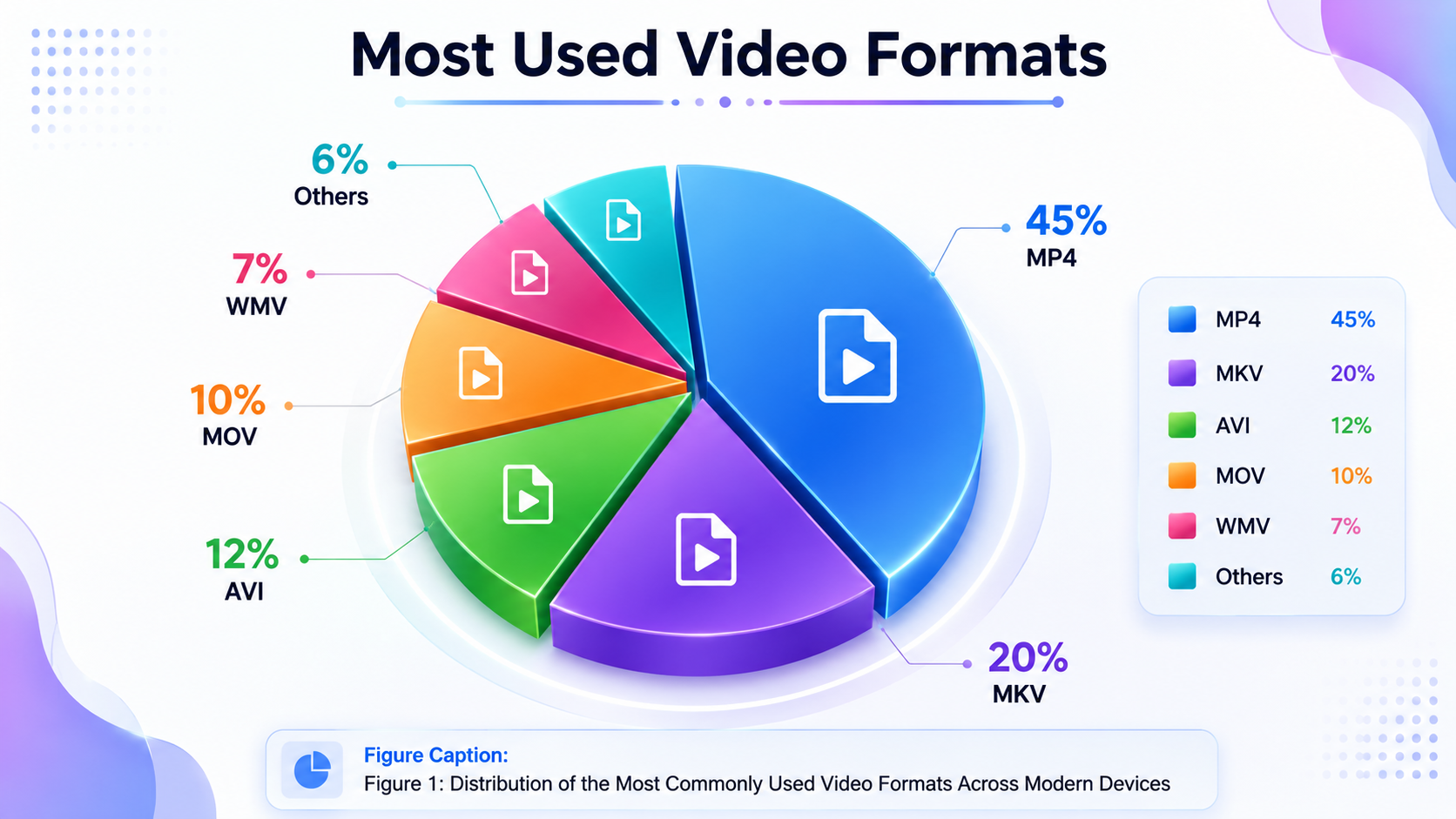
- Wider Format Support: Unlike the default player, this app supports formats like MP4, MKV, AVI, MOV, and many more.
- Enhanced Playback Quality: Experience smooth HD and 4K video playback.
- Customizable Features: With options like subtitle support and playback speed adjustment, users can tailor their viewing experience.
- Integrated Video Editor: The built-in video editing tools allow users to trim, crop, and merge videos without needing a separate app.
Supported Video Formats
The following table lists the video formats supported by the Video Player All Format app:
| Format | Extension |
|---|
| MP4 | .mp4 |
| MKV | .mkv |
| AVI | .avi |
| MOV | .mov |
| WMV | .wmv |
| FLV | .flv |
| M4V | .m4v |
| 3GP | .3gp |
| RMVB | .rmvb |
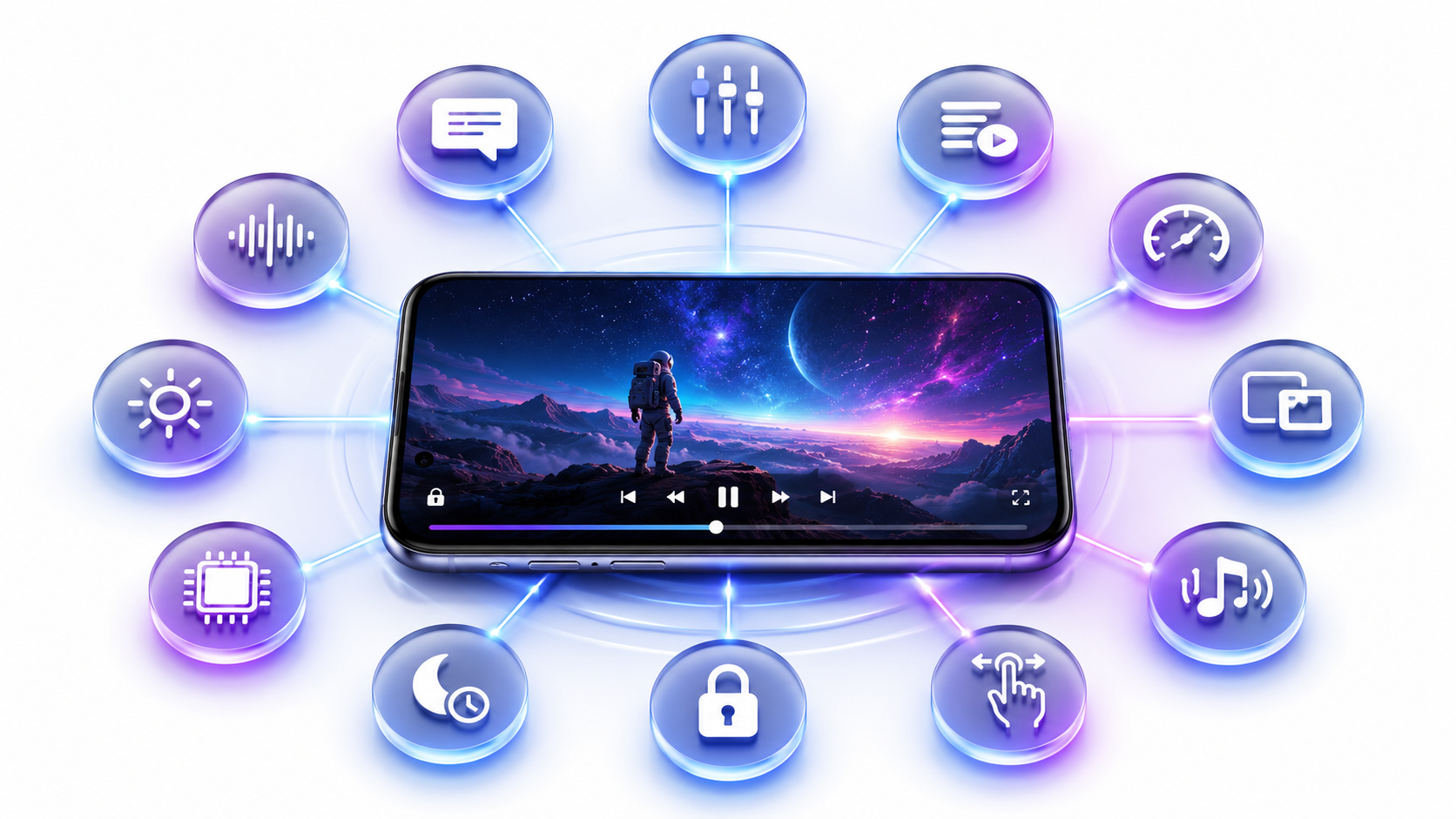
The Video Player All Format app includes a variety of features that enhance the viewing experience:
- HD and 4K Playback: Enjoy your videos in stunning detail.
- Subtitle Support: Watch videos with subtitles in various languages.
- Gesture Controls: Easily navigate through videos with intuitive gestures.
- Playback Speed Adjustment: Control the speed of the video playback.
- Floating Video Player: Use the Floating Video Player mode for multitasking.
- Background Audio Playback: Listen to videos while using other apps.
- Video Downloader: Download videos from various sources.
- Integrated Equalizer: Customize audio settings for a better sound experience.
- Video Editing Tools: Trim, crop, rotate, merge, compress, or convert videos easily.
How Different Users Benefit from the App
The versatility of the Video Player All Format app makes it ideal for various user groups:
- Students: Use the app to watch lectures and study materials.
- Professionals: Stream webinars and presentations on the go.
- Movie Lovers: Enjoy high-quality films with full format support.
- Travelers: Download and view videos offline during trips.
- Parents: Keep kids entertained with their favorite shows.
- Content Creators: Edit and share videos directly from the app.
Troubleshooting Common Playback Issues
Users may encounter playback issues; however, the solutions are often straightforward:
| Issue | Solution |
|---|
| Video not playing | Check format compatibility and update the app. |
| Audio sync issues | Adjust audio delay settings in the app. |
| App crashes | Clear app cache and restart the device. |
| Subtitles not displaying | Ensure subtitle files are correctly named and supported. |
Like any app, the Video Player All Format app has its strengths and weaknesses:
Pros:
Supports a wide range of video formats.
High-quality playback options.
Integrated video editing features.
User-friendly interface.
Cons:
Conclusion
Overall, the Video Player All Format app is a powerful tool for anyone looking to enhance their media experience. Its extensive format support, high-quality playback, and integrated features make it a top choice for Android users. Whether you're a casual viewer or a content creator, downloading this app will significantly improve how you enjoy videos. Download the Video Player All Format app today and elevate your viewing experience!