VdoSaver: A Simple Online Video Downloader for Everyday Use
Online video has become a major part of how people learn, communicate, work, and consume entertainment. From YouTube tutorials and Instagram Reels to TikTok clips, Facebook videos, Pinterest content, and professional videos shared on LinkedIn, there is no shortage of useful content available online.
Sometimes, however, you may want to save a video for later viewing. You may be travelling without a reliable internet connection, preparing educational material, keeping a copy of your own content, or simply organizing videos that you are authorized to download.
This is where an online video downloader can be useful.
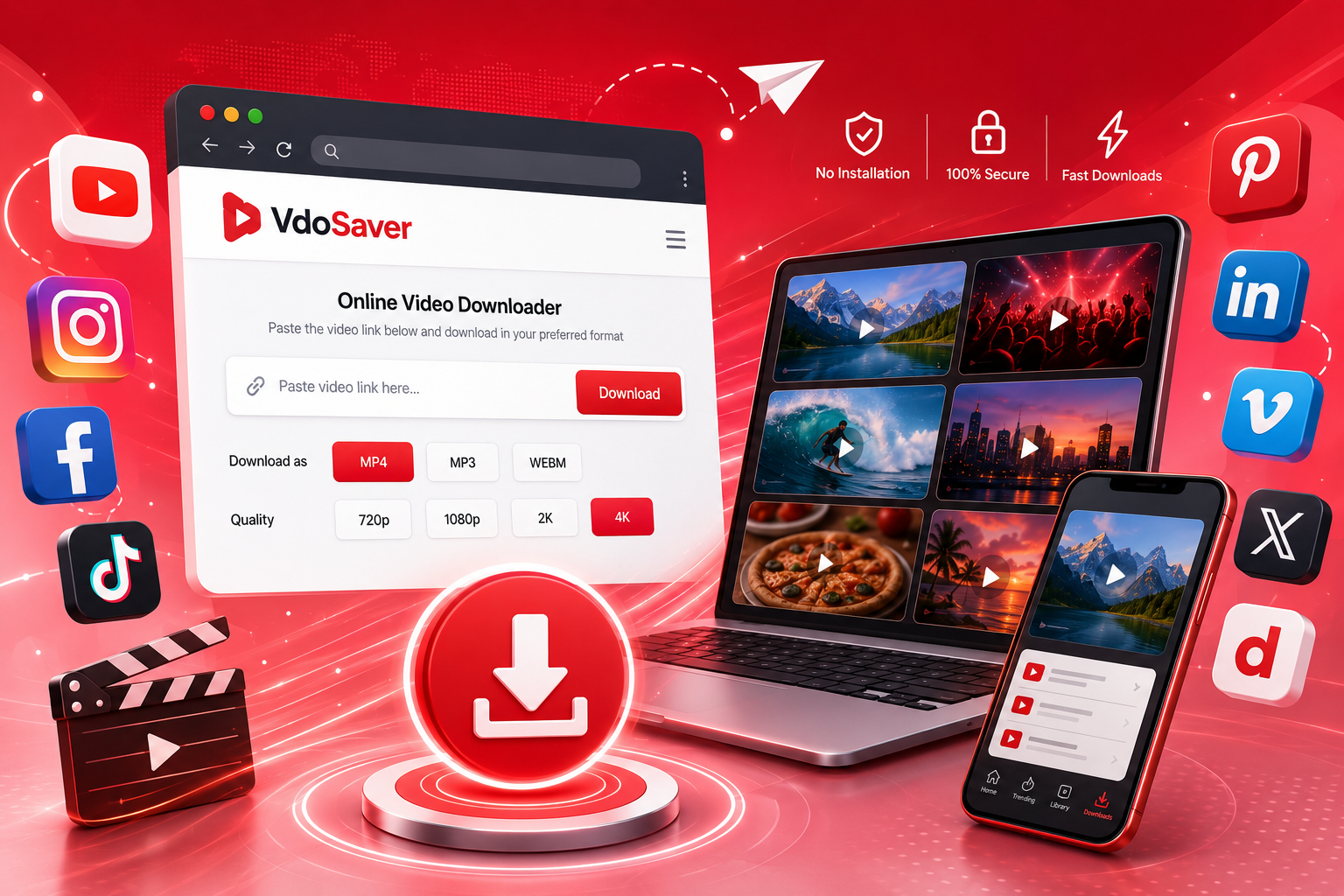
VdoSaver is a browser-based tool designed to make video downloads simple. Instead of installing dedicated software, users can copy a supported video URL, paste it into the VdoSaver interface, select an available quality or format, and save the file to their device.
The service currently supports several popular platforms and offers video quality options ranging from lower resolutions up to 4K Ultra HD when the original source makes those qualities available. It also provides an MP3 audio option for supported content.
What Is VdoSaver?
VdoSaver is an online video downloading service that processes video links through a web browser. Its main purpose is to give users a straightforward way to save supported online content without requiring a separate desktop application.
The workflow is intentionally simple:
Copy → Paste → Choose → Download
You first copy the URL of a supported video. Then, you paste the link into the downloader. VdoSaver identifies the source and displays available options. You can then select the quality or format that suits your needs.
Because it is browser-based, the tool can be used on desktop computers as well as mobile devices. The website specifically states that it works on modern browsers such as Chrome, Firefox, Safari, Edge, Opera, and Brave.
This makes the service useful for people who do not want to install additional software simply to save an occasional video.
Why Use an Online Video Downloader?
There are several reasons someone may prefer an online tool instead of installing a video downloader application.
No Software Installation
One of the biggest advantages of a browser-based service is convenience. You can open the website in your browser and start working with a supported video link without installing another program.
This can be especially useful when you are using a shared computer, a work device, or a smartphone where you want to avoid unnecessary applications.
Works Across Devices
A web-based downloader is not limited to one operating system. VdoSaver states that it works on desktop and mobile browsers, including iPhone and Android devices.
This means the same basic workflow can be used whether you are on a Windows PC, Mac, iPhone, iPad, or Android phone.
No Account Required
VdoSaver does not require users to create an account or log in before using its standard downloading functionality. This reduces the number of steps between finding a video and processing its URL.
Multiple Platforms in One Place
Instead of searching for a separate tool every time you switch platforms, a multi-platform service can provide one consistent workflow.
VdoSaver currently lists support for YouTube, Instagram, Facebook, TikTok, Pinterest, LinkedIn, Dailymotion, Vimeo, and Twitter/X.
Which Platforms Can You Use With VdoSaver?
A useful feature of a social media video downloader is the ability to work across multiple websites.
Here is an overview of the platforms currently listed by VdoSaver:
Platform | Supported Content |
|---|---|
YouTube | Videos, Shorts, music/audio and playlists |
Reels, Stories, posts, photos and carousels | |
Videos, Reels and publicly available Stories/Live content | |
TikTok | Standard videos and Stories |
Videos, images and carousels | |
Videos, images and carousels | |
Dailymotion | Videos and audio |
Vimeo | Videos and audio |
Twitter/X | Supported video content |
The exact download options can depend on the source content and what the original platform makes available.
YouTube Video Downloads
YouTube contains everything from educational tutorials to product reviews, interviews, music-related content, and short-form videos.
VdoSaver lists support for YouTube videos and Shorts, as well as audio/MP3 processing. Available resolutions can range from 144p to 4K Ultra HD when supported by the original video.
Instagram Downloads
Instagram is heavily focused on visual content, including Reels, Stories, posts, and carousels.
According to VdoSaver, users can process supported Instagram content by copying the content link and pasting it into the downloader.
TikTok Downloads
TikTok is another platform where users frequently look for ways to save short-form videos.
VdoSaver states that supported TikTok videos can be downloaded without the TikTok watermark or username overlay. Users should still make sure they have the necessary rights to save and reuse any content.
Facebook Video Downloads
Facebook contains videos from individual users, pages, groups, businesses, and other creators.
For publicly accessible content that is permitted to be downloaded, VdoSaver provides a browser-based workflow for processing supported Facebook links.
Pinterest Downloads
Pinterest is commonly used to discover visual ideas, tutorials, recipes, designs, products, and inspiration.
VdoSaver lists support for Pinterest videos, images, and carousel content.
LinkedIn Video Downloads
LinkedIn is increasingly used for professional video content, including company announcements, educational posts, career advice, product demonstrations, and industry discussions.
VdoSaver states that publicly visible LinkedIn posts can be processed without requiring users to provide their LinkedIn credentials.
Download Videos in HD and 4K
Video quality is one of the most important considerations when saving online content.
A low-resolution file may be smaller and faster to download, but it can appear blurry when viewed on a larger screen. Higher resolutions provide more visual detail but generally require more storage space.
VdoSaver supports available source qualities from 144p up to 4K Ultra HD, or 2160p, when the source video provides those options.
Here is a simple way to understand common resolutions:
Resolution | Best For |
|---|---|
144p | Very small files and limited bandwidth |
360p | Basic mobile viewing |
480p | Standard-definition viewing |
720p | HD viewing |
1080p | Full HD viewing |
1440p | Higher-resolution displays |
2160p | 4K Ultra HD displays |
You do not always need the highest available quality. If you are saving a video primarily for quick mobile viewing, 720p or 1080p may be sufficient.
For presentations, large displays, or high-quality archival purposes where permitted, a higher-resolution version may be more appropriate.
MP4 and MP3 Options
Different users have different reasons for downloading online content.
Someone saving a video for offline viewing may prefer MP4, while someone interested only in the audio from permitted content may prefer MP3.
VdoSaver lists MP3 audio extraction for supported videos, including YouTube, Facebook, and Vimeo content.
MP4 for Video
MP4 is widely used for video because it works with many devices and media players.
It can be a practical choice when you want to keep both the visual and audio components of a video.
MP3 for Audio
MP3 is useful when you only need the audio portion of supported content.
For example, an authorized lecture, podcast, interview, or other audio-focused video may be more convenient as an audio file.
The availability of an audio download depends on the supported source and content.
How to Download a Video Using VdoSaver
The downloading process is designed around a few simple steps.
Step 1: Find the Video
Open the platform where the video is hosted.
Find the video you want to save and make sure you are allowed to download or reuse it.
Step 2: Copy the Video URL
Copy the video's URL from your browser or use the platform's share option and select the option to copy the link.
On mobile devices, this is usually available through the Share menu.
Step 3: Open VdoSaver
Open VdoSaver in your preferred web browser.
Since the service is browser-based, you do not need to install a separate downloader application.
Step 4: Paste the Link
Paste the copied URL into the input field on the VdoSaver homepage.
The service is designed to detect supported platforms and retrieve available download options.
Step 5: Select Quality or Format
Depending on the source, you may see different video resolutions or audio options.
Choose the option that fits your requirements.
If you need a smaller file for mobile storage, choose a lower resolution. If quality is more important, select the highest suitable option available from the source.
Step 6: Download the File
After selecting the desired option, start the download.
The file can then be accessed through your device's normal downloads or file-management location.
How to Download Videos on iPhone
Saving online videos on an iPhone can sometimes feel more complicated because users may not want to install another application.
A browser-based tool can simplify the process.
To use VdoSaver on an iPhone:
Open Safari.
Find the supported video you want to save.
Copy its link.
Open VdoSaver.
Paste the URL.
Select an available quality or format.
Start the download.
Locate the downloaded file through your browser or Files app.
VdoSaver states that its service works directly through Safari on iPhone without requiring an additional app installation.
How to Download Videos on Android
Android users can follow a similar process.
Open Chrome or another supported browser, copy the video URL, visit VdoSaver, paste the link, and select the available download option.
Because the process takes place in the browser, there is no requirement to install dedicated video-downloading software for the standard workflow.
This can be useful for users who want to save storage space by avoiding additional applications.
Is VdoSaver Free?
VdoSaver states that its standard downloading service is free to use. The website says there are no hidden charges, no required premium tier for standard downloads, and no credit card requirement.
The service also states that no registration is required.
For users who only occasionally need to save an online video, this can make a browser-based solution more convenient than installing paid desktop software.
Does VdoSaver Require Login?
No login or registration is required for the standard workflow.
This means you can use the service by providing a supported video link rather than creating another online account.
For privacy-conscious users, reducing unnecessary account creation can be an advantage.
VdoSaver also states that it does not store submitted URLs or video data and that downloads are processed and deleted immediately.
Privacy and Security Considerations
Whenever you use an online service, it is sensible to consider how your information is handled.
VdoSaver describes itself as privacy-focused and states that it does not store URLs, videos, or personal data. The site also says that processed download data is deleted immediately.
Users should still follow general online safety practices.
Avoid entering passwords, private account credentials, payment information, or other sensitive information into a video downloader. A normal video URL should generally be all that is required for a URL-based download workflow.
It is also a good practice to use the official VdoSaver website rather than unfamiliar copies or third-party pages claiming to provide the same service.
What Makes a Good Video Downloader?
Not every downloader provides the same experience. When comparing online tools, several factors are worth considering.
Ease of Use
A good downloader should not require complicated technical knowledge.
A simple URL-based process makes it easier for beginners to save supported content.
Platform Support
If you regularly use multiple social networks, support for several platforms can save time.
Quality Options
Different situations require different video sizes. Having multiple quality options gives users more control over storage and visual quality.
Device Compatibility
A useful online video downloader should work across common desktop and mobile browsers.
Privacy
Users should understand what happens to URLs and uploaded or processed data.
Clear Download Process
A straightforward interface can reduce confusion and make it easier to identify the correct download option.
Common Reasons to Save Online Videos
There are many legitimate reasons to download content when the creator, platform, or applicable terms allow it.
Offline Viewing
You may want to watch educational or informational content when you have limited internet access.
Educational Use
Students and educators may need authorized videos for offline study, classroom preparation, or reference.
Personal Content Backup
Creators can use download tools to keep copies of their own publicly published content.
Travel
Saving permitted content ahead of a trip can be useful when reliable connectivity is unavailable.
Content Organization
Marketing teams, researchers, and creators may need to organize authorized reference videos for projects.
The important point is that downloading should not automatically mean redistribution. Always consider ownership, permission, and platform rules before using saved content elsewhere.
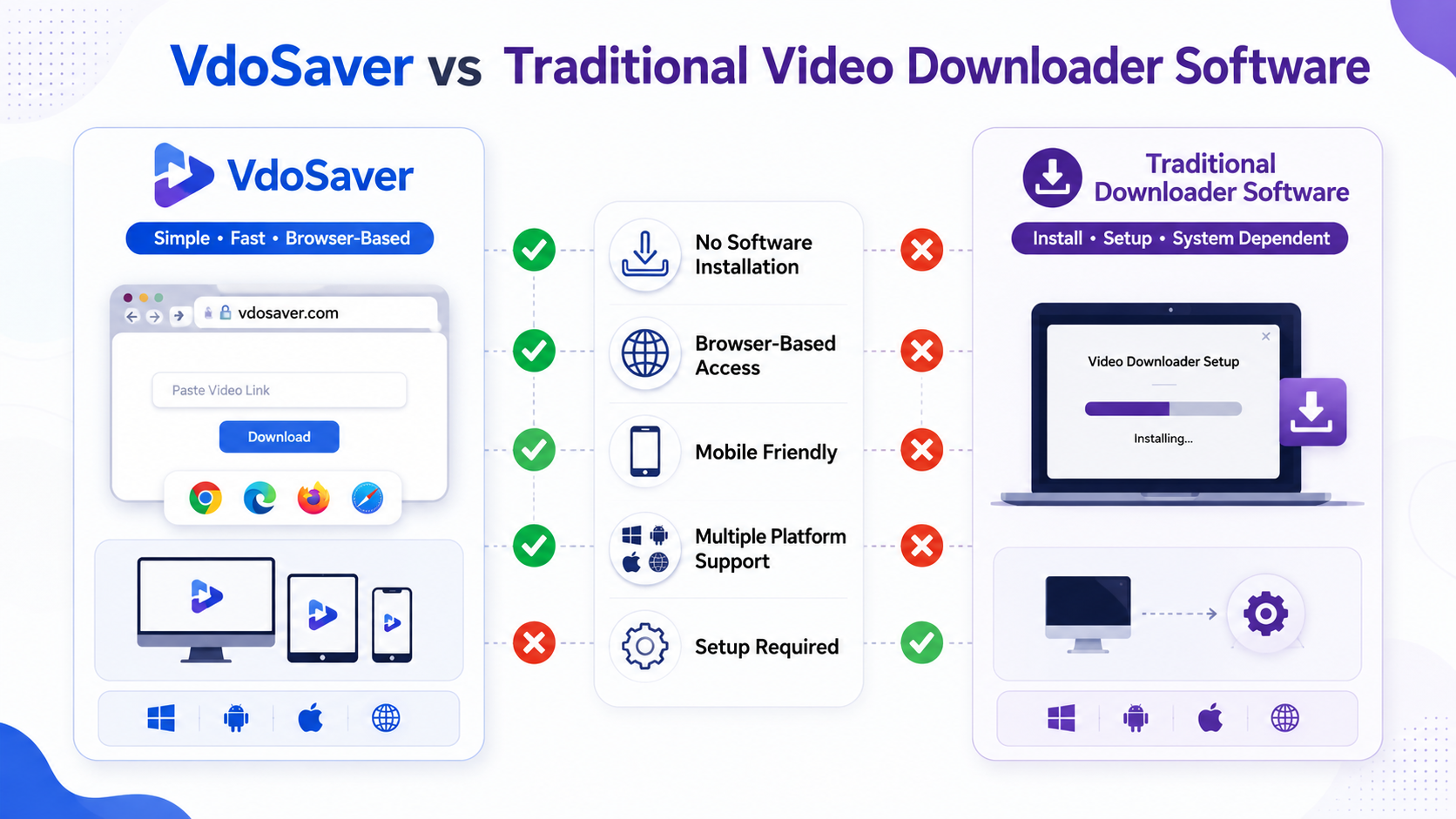
VdoSaver vs Traditional Video Downloader Software
A browser-based tool and dedicated software each have different advantages.
Feature | Browser-Based Downloader | Installed Software |
|---|---|---|
Installation | Usually not required | Required |
Setup | Quick | May require configuration |
Device flexibility | High | Depends on operating system |
Storage requirement | Low | Higher |
Updates | Handled online | May require updates |
Occasional use | Convenient | May be unnecessary |
Multiple platforms | Depends on service | Depends on application |
For occasional downloads, an online tool can be more convenient because there is less setup involved.
For users who regularly process large numbers of files or require advanced controls, dedicated software may sometimes provide additional functionality.